



In today’s digital world, the way we write, sketch, and take notes has dramatically evolved. The writing tablet has become an essential tool for students, professionals, artists, and anyone who values paperless productivity. Whether you’re in a classroom, at the office, or on the go, a writing tablet can replace notebooks, sticky notes, and even your sketchpad—bringing convenience, eco-friendliness, and digital precision into one compact device.
In this article, we’ll explore what a writing tablet is, its top features, use cases, and tips on choosing the best one based on your needs.
What Is a Writing Tablet?
A writing tablet is a digital device that allows users to write or draw using a stylus, mimicking the feel of pen and paper. Unlike a traditional tablet, a writing tablet is typically designed with a pressure-sensitive screen and features specifically aimed at note-taking, doodling, and annotations. Some models even sync your notes to cloud services, while others offer a paper-like writing experience with zero lag.
There are two primary types of writing tablets:
- LCD or eWriter tablets: Lightweight, affordable, and usually for quick note-taking or kids’ use.
- Digital smart notebooks: These are more advanced, often featuring cloud connectivity, reusable pages, and stylus input that mimics ink.
Why Use a Writing Tablet?
The appeal of a writing tablet lies in its ability to combine the natural feel of writing by hand with the benefits of digital storage and organization. Here are a few reasons why people love using writing tablets:
- Portability: Writing tablets are incredibly light and easy to carry.
- Instant Erase or Save: Depending on the type, you can instantly erase your notes or save them digitally.
- Eco-Friendly: Replacing notebooks reduces your carbon footprint.
- Great for Kids & Students: Simple models are great for learning and sketching.
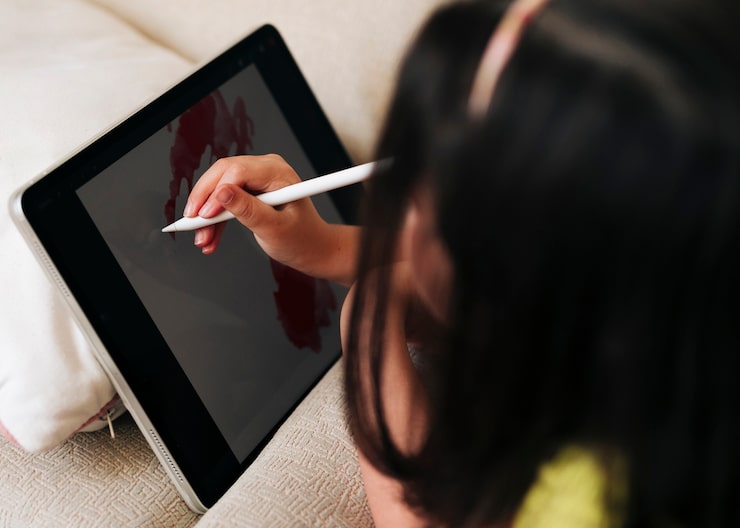
Who Should Use a Writing Tablet?
A writing tablet is useful for many types of users:
- Students
Students can take handwritten notes during lectures, annotate PDFs, or sketch diagrams—all while organizing everything digitally. With cloud sync, notes are backed up and accessible on multiple devices.
- Professionals
Business professionals can use writing tablets for brainstorming, signing documents, or taking notes during meetings. Many tablets also allow for easy sharing of files, improving collaboration.
- Artists & Creatives
For creatives, a writing tablet serves as a digital sketchpad. Models like the Wacom One or Huion Kamvas offer pen pressure sensitivity, making them ideal for illustration or graphic design.
- Kids
Affordable models are safe, easy-to-use, and fun for children learning to draw, write, and express creativity without screen time concerns.
Top Writing Tablets in 2025
Some of the best writing tablets in 2025 include:
- reMarkable 2 – A high-end writing tablet with an ultra-thin design and a paper-like experience.
- Boogie Board Blackboard – An affordable and lightweight option great for quick notes.
- Rocketbook Smart Notebook – Write with a pen, scan with your phone, erase and reuse the pages.
- Wacom Bamboo Slate – Converts your handwritten notes on real paper into digital files.
- iPad with Apple Pencil – Though not strictly a writing tablet, its powerful note-taking apps make it a versatile option.
How to Choose the Right Writing Tablet?
- Purpose: Are you using it for basic note-taking or professional creative work?
- Connectivity: Do you need Bluetooth or Wi-Fi features?
- Stylus Sensitivity: Higher pen sensitivity is essential for sketching and drawing.
- Battery Life: Some tablets last weeks, while others need daily charging.
Final Thoughts
A writing tablet is more than a trendy gadget—it’s a practical tool that enhances productivity, encourages creativity, and supports eco-friendly habits. From students to artists to business professionals, everyone can benefit from the freedom of going paperless while still enjoying the tactile feel of handwriting.
As technology continues to improve in 2025, more people are making the switch. If you’re tired of carrying heavy notebooks or wasting paper, now’s the perfect time to invest in a writing tablet that fits your workflow and lifestyle.


